
A PDF to Text Converter is a powerful tool designed to extract readable text from PDF documents and transform it into plain text format. In today’s digital world, people constantly share information in PDF files. While PDFs are excellent for preserving formatting, they are not always easy to edit or analyze. That is where a PDF to Text Converter becomes essential.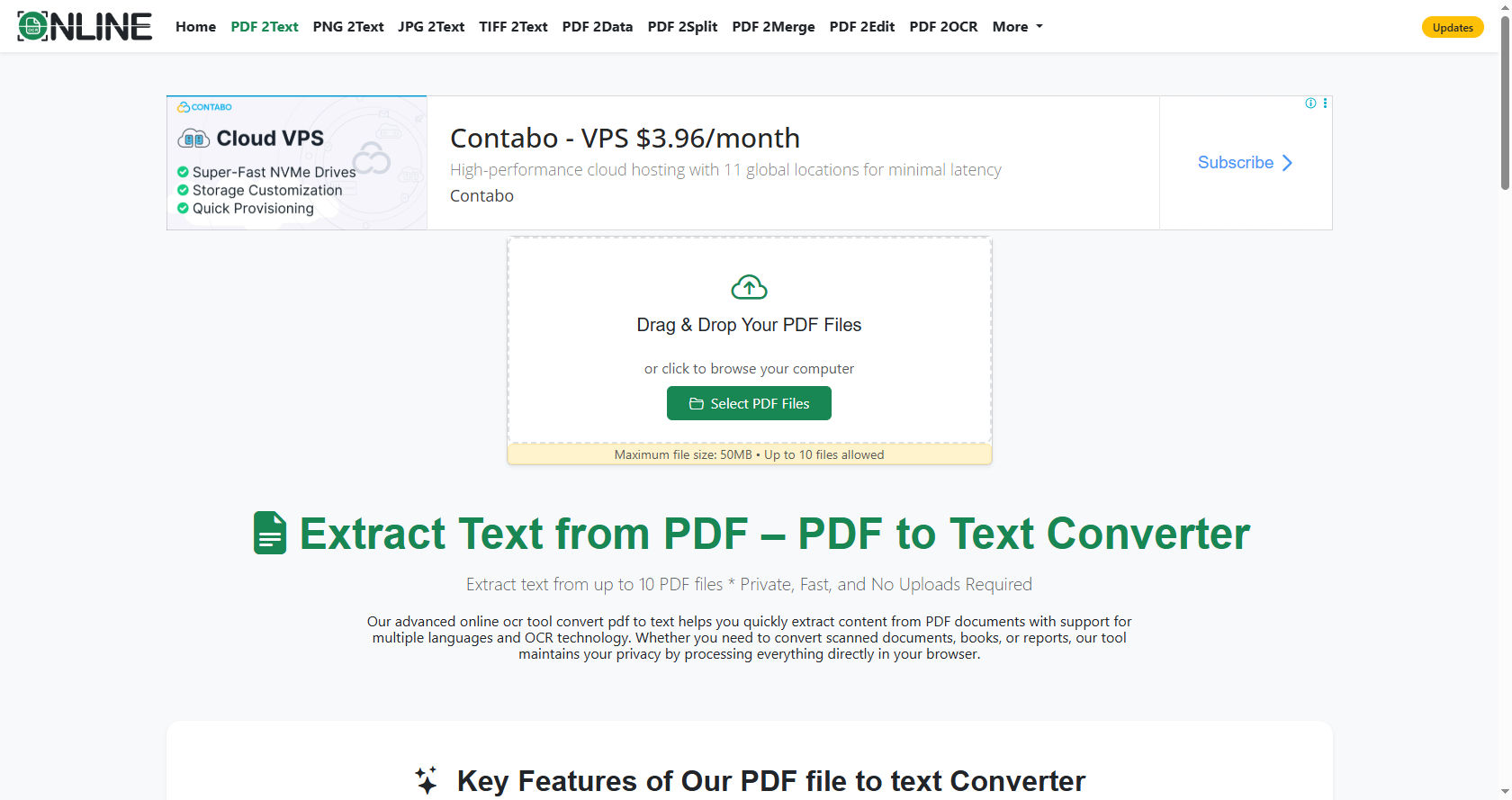
A PDF to Text Converter helps students, researchers, business professionals, and developers access content stored inside PDFs without changing the original structure.
Whether you want to copy content, analyze data, or reuse written material, understanding how a PDF to Text Converter works can help you make the most of this technology.
In this comprehensive guide, you will learn how a PDF to Text Converter functions behind the scenes, the technologies it uses, its benefits, limitations, and why it has become such an important digital tool.
Understanding the PDF File Format
Before understanding how a PDF to Text Converter works, it is important to understand what a PDF file actually is.
PDF stands for Portable Document Format. It was created by Adobe to maintain consistent document formatting across different devices and operating systems. A PDF file preserves fonts, images, layout, and graphics exactly as intended.
However, a PDF does not store text the same way a Word document does. Instead, it stores content as positioned elements on a page. This makes extraction more complex. A PDF to Text Converter must interpret how text is arranged and reconstruct it into readable format.
There are two main types of PDF files:
-
Text-based PDFs
-
Image-based (scanned) PDFs
Each type requires a different approach from a PDF to Text Converter.
What Is a PDF to Text Converter?
A PDF to Text Converter is software that extracts textual content from PDF documents and converts it into a simple text file such as .txt format.
Unlike copying and pasting manually, a PDF to Text Converter reads the internal structure of the PDF file. It identifies characters, words, sentences, and sometimes paragraphs. Then it reorganizes them into a logical reading order.
The main goal of a PDF to Text Converter is to:
-
Extract readable text
-
Remove formatting elements
-
Preserve correct word sequence
-
Maintain paragraph structure when possible
A good PDF to Text Converter ensures minimal errors and maximum accuracy.
Core Components of a PDF to Text Converter
A PDF to Text Converter usually works through multiple processing stages. Each stage plays an important role in ensuring accurate text extraction.
PDF Parsing Engine
The first component of a PDF to Text Converter is the parsing engine. This engine reads the internal structure of the PDF file.
PDF files contain objects such as:
-
Text objects
-
Font objects
-
Image objects
-
Metadata
The parser identifies where text is located within the file. It examines how characters are encoded and positioned on each page.
Without proper parsing, a PDF to Text Converter cannot interpret the content correctly.
Text Extraction Layer
After parsing the file, the PDF to Text Converter extracts text elements. It reads character encoding and converts them into readable characters.
Some PDFs use different encoding standards. The converter must decode them properly. If the encoding is incorrect, text may appear as symbols or random characters.
An advanced PDF to Text Converter handles multiple encoding types to ensure accurate output.
Layout Reconstruction
One of the biggest challenges for a PDF to Text Converter is reconstructing layout.
In a PDF, words are placed at specific coordinates on a page. They are not stored in sentence order. The converter must determine reading order by analyzing text positioning.
The PDF to Text Converter uses spacing and alignment rules to decide:
-
Where sentences begin and end
-
How paragraphs are formed
-
Whether text belongs to columns
This process ensures the extracted text makes sense when read.
How PDF to Text Converter Handles Text-Based PDFs
Text-based PDFs contain selectable text. These files are easier for a PDF to Text Converter to process.
Here is how it works step by step:
-
The PDF to Text Converter opens the file.
-
It reads internal objects.
-
It identifies text streams.
-
It decodes characters.
-
It arranges text in reading order.
-
It outputs plain text.
Since the text is already embedded digitally, no image recognition is needed. This makes the process fast and accurate.
Most modern PDF to Text Converter tools perform this task within seconds.
How PDF to Text Converter Handles Scanned PDFs
Scanned PDFs are essentially images of documents. There is no embedded text. In this case, a PDF to Text Converter must use OCR technology.
OCR stands for Optical Character Recognition. It analyzes images and detects letters and numbers.
A PDF to Text Converter with OCR works like this:
-
It converts PDF pages into images.
-
It scans the images pixel by pixel.
-
It identifies patterns that resemble characters.
-
It converts patterns into digital text.
-
It reconstructs sentences and paragraphs.
OCR-based PDF to Text Converter tools are extremely useful for digitizing printed books and scanned notes.
However, accuracy depends on image quality.
Technologies Behind a PDF to Text Converter
Several technologies power a PDF to Text Converter.
Optical Character Recognition (OCR)
OCR is essential for image-based PDFs. Many tools rely on OCR engines inspired by technologies developed by companies like Google.
OCR accuracy improves with:
-
High-resolution scans
-
Clear fonts
-
Proper lighting
Without OCR, a PDF to Text Converter cannot process scanned documents.
Text Encoding Standards
PDF files may use encoding systems like:
-
ASCII
-
Unicode
-
UTF-8
A reliable PDF to Text Converter must support multiple encodings to avoid corrupted output.
Artificial Intelligence
Modern PDF to Text Converter tools use AI to improve layout detection.
AI helps in:
-
Recognizing tables
-
Detecting headings
-
Identifying bullet points
-
Separating columns
This makes the final text output more readable.
Step-by-Step Workflow of a PDF to Text Converter
Let us break down the complete workflow of a PDF to Text Converter.
File Input
The user uploads or selects a PDF file. The PDF to Text Converter reads the file structure.
Content Analysis
The converter determines whether the file is text-based or image-based.
If text-based, it proceeds with direct extraction.
If image-based, it activates OCR.
Text Decoding
The PDF to Text Converter decodes characters and symbols.
Layout Processing
The tool reconstructs text flow. It arranges words into proper reading order.
Output Generation
Finally, the PDF to Text Converter generates a plain text file.
The entire process may take a few seconds depending on file size.
Benefits of Using a PDF to Text Converter
There are many advantages of using a PDF to Text Converter.
Easy Editing
Plain text files are easy to edit. Once converted, users can modify content without restrictions.
Data Analysis
Researchers use a PDF to Text Converter to extract data for analysis.
Accessibility
Screen readers work better with plain text. A PDF to Text Converter improves accessibility.
Faster Content Reuse
Writers can reuse content quickly after using a PDF to Text Converter.
Common Challenges in PDF to Text Conversion
Although powerful, a PDF to Text Converter may face challenges.
Complex Layouts
Multi-column layouts can confuse a PDF to Text Converter.
Tables and Charts
Tables may lose formatting during conversion.
Fonts and Symbols
Unusual fonts can cause character recognition errors.
Poor Scan Quality
Low-quality scans reduce OCR accuracy in a PDF to Text Converter.
Understanding these challenges helps users choose better tools.
Accuracy Factors in a PDF to Text Converter
Accuracy depends on several factors.
File Type
Text-based PDFs produce better results.
Scan Quality
High-resolution scans improve OCR results.
Language Support
A PDF to Text Converter must support multiple languages for global use.
Software Quality
Advanced tools produce more reliable results.
Security and Privacy Considerations
When using an online PDF to Text Converter, privacy matters.
Some tools store uploaded files temporarily. Users should:
-
Choose trusted services
-
Check privacy policies
-
Avoid uploading sensitive documents
Offline PDF to Text Converter software may offer better security.
Online vs Offline PDF to Text Converter
Both versions have advantages.
Online Tools
-
No installation required
-
Accessible anywhere
-
Quick processing
However, internet connection is required.
Offline Software
-
Works without internet
-
More secure
-
Often faster for large files
Choosing the right PDF to Text Converter depends on your needs.
Use Cases of PDF to Text Converter
A PDF to Text Converter is used in many industries.
Education
Students convert notes and textbooks for easier studying.
Research
Researchers extract content for analysis.
Business
Companies use a PDF to Text Converter to manage reports and contracts.
Software Development
Developers process large documents using automated PDF to Text Converter systems.
Comparing PDF to Text Converter with Other Conversion Tools
It is important to understand how a PDF to Text Converter differs from other tools.
PDF to Word Converter
A PDF to Word Converter keeps formatting. A PDF to Text Converter removes formatting.
PDF to Excel Converter
Excel converters focus on tables. A PDF to Text Converter focuses on raw text.
Each tool serves a different purpose.
Future of PDF to Text Converter Technology
Technology continues to evolve.
Future PDF to Text Converter tools may include:
-
Better AI layout detection
-
Improved multilingual OCR
-
Real-time cloud processing
-
Higher accuracy rates
As machine learning improves, the PDF to Text Converter will become even smarter.
Tips for Getting the Best Results
To maximize results from a PDF to Text Converter:
-
Use high-quality PDF files
-
Avoid blurry scans
-
Check output for errors
-
Use advanced tools for complex layouts
Small improvements in input quality greatly enhance output accuracy.
Detailed Example of Conversion Process
Imagine converting a 50-page scanned textbook.
The PDF to Text Converter first detects image-based pages.
It converts each page into an image.
OCR scans each word.
The system compares patterns with stored character libraries.
It identifies letters and builds words.
It arranges lines into paragraphs.
Finally, the PDF to Text Converter produces a complete text file.
This complex process happens within minutes.
Limitations of PDF to Text Converter
Despite its usefulness, a PDF to Text Converter has limitations.
-
Formatting is often lost
-
Images are not converted
-
Handwritten text may not be recognized
-
Mathematical formulas may appear incorrectly
Understanding these limitations prevents unrealistic expectations.
Why PDF to Text Converter Is Important in the Digital Age
Information sharing has increased rapidly.
PDF remains one of the most common formats. However, editing PDF files is not always easy.
A PDF to Text Converter bridges the gap between fixed documents and editable content. It allows flexibility, accessibility, and improved productivity.
Students can extract notes.
Businesses can analyze contracts.
Researchers can gather data.
The PDF to Text Converter plays a vital role in digital transformation.
Conclusion
A PDF to Text Converter is more than just a simple conversion tool. It is a powerful technology that reads, interprets, and reconstructs digital documents into accessible text format. By understanding how a PDF to Text Converter works, users can better appreciate the advanced processes involved, including parsing, decoding, layout reconstruction, and OCR.
From handling text-based PDFs to processing scanned documents, a PDF to Text Converter combines multiple technologies to deliver accurate results. While challenges like complex layouts and poor scan quality exist, modern tools continue to improve through artificial intelligence and machine learning.
Whether you are a student, researcher, business professional, or developer, a PDF to Text Converter can save time, improve productivity, and enhance access to information. As digital documentation continues to grow, the importance of a reliable PDF to Text Converter will only increase.
By choosing the right PDF to Text Converter and following best practices, you can ensure high-quality text extraction for any project. In the modern digital world, this tool is not just helpful—it is essential.
